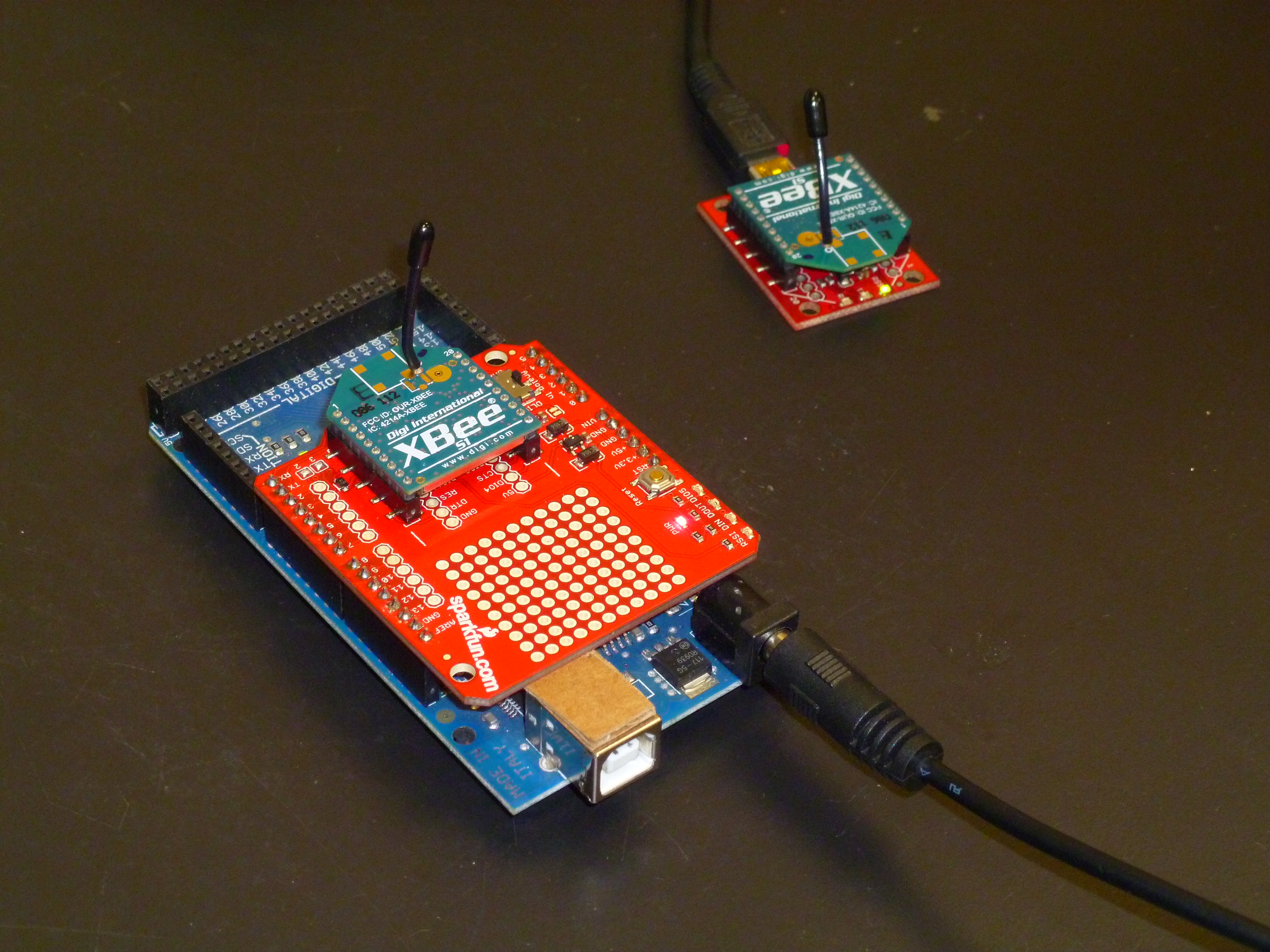
With the eventual goal of placing biometric sensors on a subject and then wirelessly transmitting data based on the sensors to the ER1 robot, a wireless communication method is required. A very simple to use wireless method for short/mid range wireless communication is the Zigbee protocol. Because the Zigbee standard as defined is relatively difficult to work with, a very common approach for hobbyists is to use Digi’s Xbee wireless modules to wrap the Zigbee hardware protocol into an easy to use and interface serial protocol. With an Xbee module attached through a USB virtual COM port FTDI chip data can be transmitted wirelessly with no more effort than using a standard serial port with wired cable.
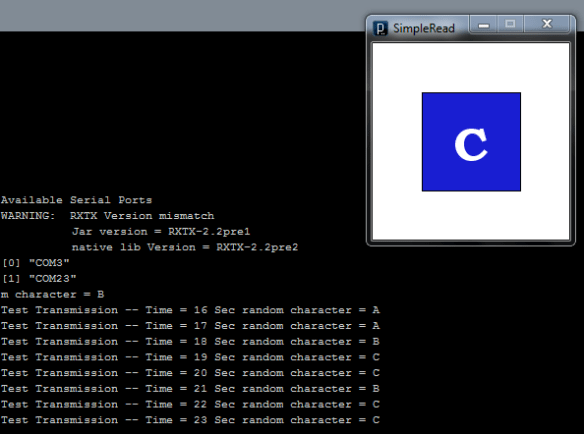
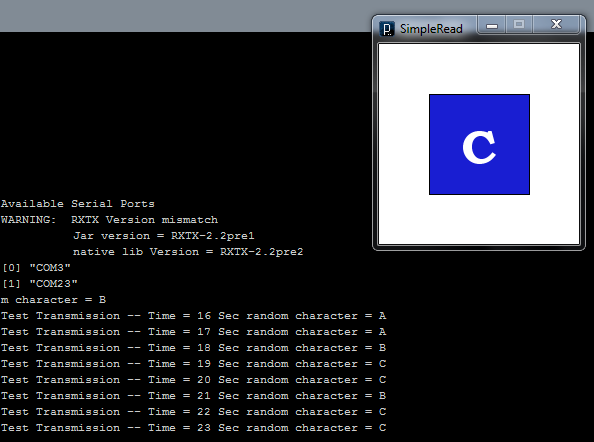
Processing provides a serial library which allows programs written in Processing (such as the telnet program which is being used to control the ER1) to access data from serially connected external machines such as another computer, an Arduino or an Xbee module. In order to initially test the Processing serial library an Arduino was connected to the ER1 laptop and was configured to send serial data including random characters “A”, “B” or “C” over the virtual COM port at one second intervals. Processing would read the serial string and display it in the terminal, update the sketch window to show the current random character and would command the ER1 through the telnet connection to either move forward, backward or turn counterclockwise based on the latest random character transmitted. The Arduino and Processing Code used for these basic tests are provided below.
Arduino Code
long time;
char randCharacter;

void setup() {
  Serial.begin(9600);
  Serial.println("Arduino Serial to Processing Test");
  time = millis();
  randomSeed(analogRead(0));
}

void loop() {
  if (millis() - time > 1000) {
    time = millis();
    Serial.print("Test Transmission -- ");
    Serial.print("Time = ");
    Serial.print(millis()/1000);
    Serial.print(" Sec");
    Serial.print(" random character = ");

    randCharacter = random(65, 68);
    Serial.println(randCharacter);
  }
}
Processing Code
import processing.serial.*;
import processing.net.*;

Client myClient;

Serial myPort; // Create object from Serial class
int val;       // Data received from the serial port
PFont fontA;

void setup() {
  size(200, 200);

  myClient = new Client(this, "localhost", 9000);
  myClient.write("play phrase \"Hello World!\"\n");

  println("Available Serial Ports");
  println(Serial.list());

  String portName = Serial.list()[2];
  myPort = new Serial(this, portName, 9600);

  background(255);
  fontA = loadFont("BookmanOldStyle-Bold-48.vlw");
  textAlign(CENTER);

  // Set the font and its size (in units of pixels)
  textFont(fontA, 48);
}

void draw() {
  while (myPort.available() > 0) {
    char inByte = myPort.readChar();
    print(inByte);
    if (inByte == 'A') {
      fill(210, 25, 30);
      rect(50, 50, 100, 100);
      fill(255);
      text("A", 100, 120);
      myClient.write("move 6 inches\n");
    }
    else if(inByte == 'B') {
      fill(30, 210, 25);
      rect(50, 50, 100, 100);
      fill(255);
      text("B", 100, 120);
      myClient.write("move -6 inches\n");
    }
    else if(inByte == 'C') {
      fill(25, 30, 210);
      rect(50, 50, 100, 100);
      fill(255);
      text("C", 100, 120);
      myClient.write("move 25 degrees\n");
    }
  }
}
Output

 Spicer Robot Boy